
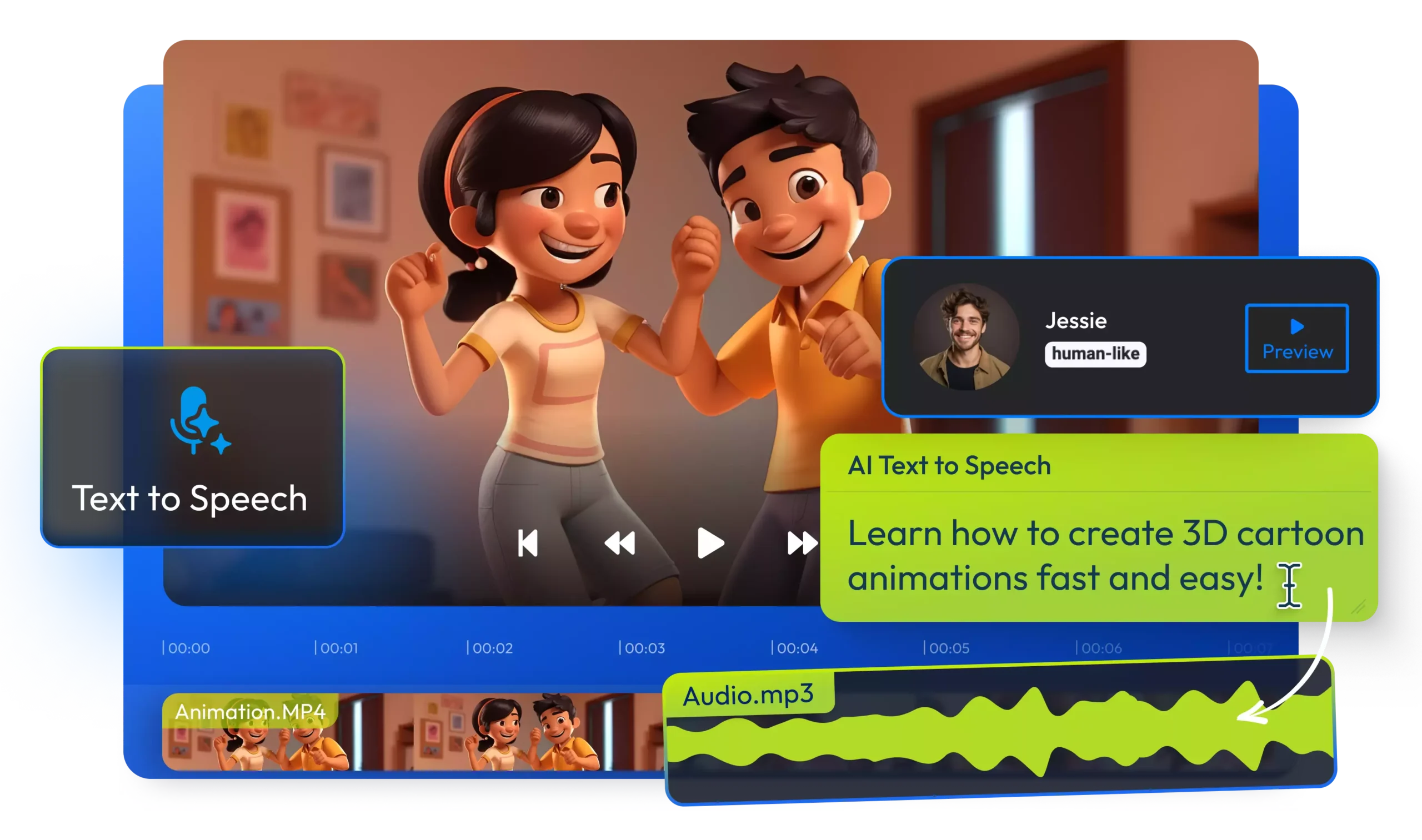
Video content has become the most powerful form of digital communication in 2025. From YouTube videos and Instagram Reels to online ads and training content, videos dominate every platform. However, traditional video editing is time-consuming, technical, and often expensive. This is exactly where AI video maker tools are changing the game.
With modern AI tools, anyone can create professional-quality videos in minutes—without advanced editing skills, costly software, or hours of effort. Whether you are a content creator, marketer, freelancer, student, or business owner, AI video tools can help you work faster and smarter.
In this article, we’ll explore the top 10 free AI video maker tools that can make your editing job 10x faster, save time, and boost productivity in 2025.
Why AI Video Maker Tools Are So Popular in 2025
AI video tools are growing rapidly because they solve real problems. Traditional editing software requires experience, powerful hardware, and long learning curves. AI removes most of these barriers.
Here’s why people are switching to AI video makers:
- Faster video creation with minimal effort
- No professional editing skills required
- Affordable or free plans available
- Ideal for YouTube, Reels, Shorts, ads, and presentations
- AI handles captions, transitions, visuals, and voiceovers
In short, AI tools allow creators to focus on ideas instead of technical work.
What to Expect From Free AI Video Maker Tools
Before jumping into the list, it’s important to understand what “free” usually means:
- Limited exports per month
- Watermark on videos (some tools remove it)
- Restricted templates or features
- Lower resolution in free plans
Even with these limits, free AI video tools are more than enough for beginners and small creators.
Top 10 Free AI Video Maker Tools in 2025
1. Pictory AI
Best for Text-to-Video Creation
Pictory AI is one of the most popular AI video tools for turning text content into videos. If you write blogs, scripts, or social media captions, this tool can automatically convert them into engaging videos.
Key Features:
- Converts text or blog posts into videos
- Automatic scene selection
- AI-generated captions
- Large stock media library
Best For: Bloggers, YouTubers, content marketers
Free Plan: Limited exports with watermark
2. InVideo AI
Best for Marketing and Promotional Videos
InVideo AI is widely used for creating promotional videos, ads, and social media content. It offers ready-made templates that speed up the entire process.
Key Features:
- AI script to video conversion
- Thousands of templates
- Voiceover and music options
- Easy drag-and-drop editor
Best For: Digital marketers, businesses, freelancers
Free Plan: Watermark included
3. Canva AI Video
Best for Beginners
Canva is already known for graphic design, but its AI video features make video creation incredibly simple. Beginners love Canva because of its clean interface.
Key Features:
- AI-powered video templates
- Text animations and transitions
- Built-in stock footage
- Simple editing tools
Best For: Beginners, students, social media creators
Free Plan: Generous free access
4. Lumen5
Best for Blog-to-Video Conversion
Lumen5 is ideal for turning articles into videos automatically. The AI reads your text and suggests visuals that match your content.
Key Features:
- Blog URL to video conversion
- AI-powered scene creation
- Brand customization options
- Social media formats
Best For: Bloggers, content publishers
Free Plan: Limited resolution
5. Kapwing AI
Best for Reels, Shorts & Social Media Videos
Kapwing is a cloud-based AI video editor that’s perfect for short-form content. It simplifies resizing videos for different platforms.
Key Features:
- Auto subtitles
- Video resizing for social platforms
- Meme and reel templates
- Collaborative editing
Best For: Instagram, YouTube Shorts, TikTok creators
Free Plan: Watermark applies
6. Runway ML
Best for Creative AI Video Editing
Runway ML is popular among creative professionals. It offers advanced AI features like background removal and video effects.
Key Features:
- AI background removal
- Video object editing
- Creative visual effects
- Green screen replacement
Best For: Designers, creative editors
Free Plan: Limited credits
7. VEED.io
Best for Subtitles and Simple Editing
VEED.io focuses on simplicity and speed. Its AI subtitle generator is highly accurate and saves hours of manual work.
Key Features:
- Automatic subtitles
- Text-to-speech
- Video trimming and resizing
- Online editor
Best For: Content creators, educators
Free Plan: Watermark included
8. Synthesia
Best for AI Avatar Videos
Synthesia allows you to create videos with AI-generated human avatars. This is perfect for training, presentations, and corporate videos.
Key Features:
- AI avatar presenters
- Text-to-video generation
- Multiple languages
- Professional output
Best For: Business presentations, training videos
Free Plan: Demo version
9. FlexClip
Best for Fast Video Creation
FlexClip offers ready-made storyboards and templates that make video creation fast and beginner-friendly.
Key Features:
- AI storyboard creation
- Drag-and-drop editor
- Stock videos and music
- Cloud-based access
Best For: Small businesses, marketers
Free Plan: Limited exports
10. Descript
Best for Text-Based Video Editing
Descript allows you to edit videos like a text document. You simply edit the script, and the video updates automatically.
Key Features:
- Text-based video editing
- AI voice cloning
- Screen recording
- Podcast editing tools
Best For: Podcasters, YouTubers
Free Plan: Limited usage
Comparison Table: Best Free AI Video Maker Tools
| Tool Name | Free Plan | Best Use Case |
|---|---|---|
| Pictory AI | Yes | Text to Video |
| InVideo AI | Yes | Marketing Videos |
| Canva AI | Yes | Beginners |
| Lumen5 | Yes | Blog to Video |
| Kapwing | Yes | Reels & Shorts |
| Runway ML | Yes | Creative Editing |
| VEED.io | Yes | Subtitles |
| Synthesia | Demo | AI Avatars |
| FlexClip | Yes | Quick Videos |
| Descript | Yes | Text-Based Editing |
Are AI Videos Safe for Google and YouTube?
Yes, AI-generated videos are safe as long as:
- Content is original
- Videos provide real value
- You avoid spam or duplicate content
- Voiceovers and visuals are used responsibly
Google and YouTube care about quality, not how the content is created.
How AI Video Tools Make Your Job 10x Faster
Here’s how AI speeds up video creation:
- Automated editing tasks
- Instant captions and voiceovers
- Ready-made templates
- No software installation needed
- Faster turnaround for clients
Instead of spending hours editing, you can finish videos in minutes.
FAQs – AI Video Maker Tools
Q1. Are free AI video maker tools worth using?
Yes, they are excellent for beginners and small creators.
Q2. Can I monetize AI-generated videos?
Yes, if the content is original and follows platform guidelines.
Q3. Do free AI tools add watermarks?
Some do, but many offer watermark-free exports with limits.
Q4. Which AI video tool is best for beginners?
Canva AI and InVideo AI are the best choices.
Final Thoughts
AI video maker tools have completely transformed content creation in 2025. You no longer need expensive software or professional skills to create high-quality videos. With the right AI tool, you can work faster, save time, and focus on creativity.
If you want to stay ahead in content creation, learning and using AI video tools is no longer optional—it’s essential.