
Video content has become one of the most effective ways to connect with an online audience. Whether you create content for YouTube, Instagram, LinkedIn, Facebook, or your business website, videos usually attract more attention than plain text or static images.
The good news is that you no longer need expensive editing software or professional editing skills. AI video maker tools can now generate videos from text, images, scripts, or even a simple idea within minutes. Many of these platforms also offer free plans that are perfect for beginners, freelancers, marketers, students, and small businesses.
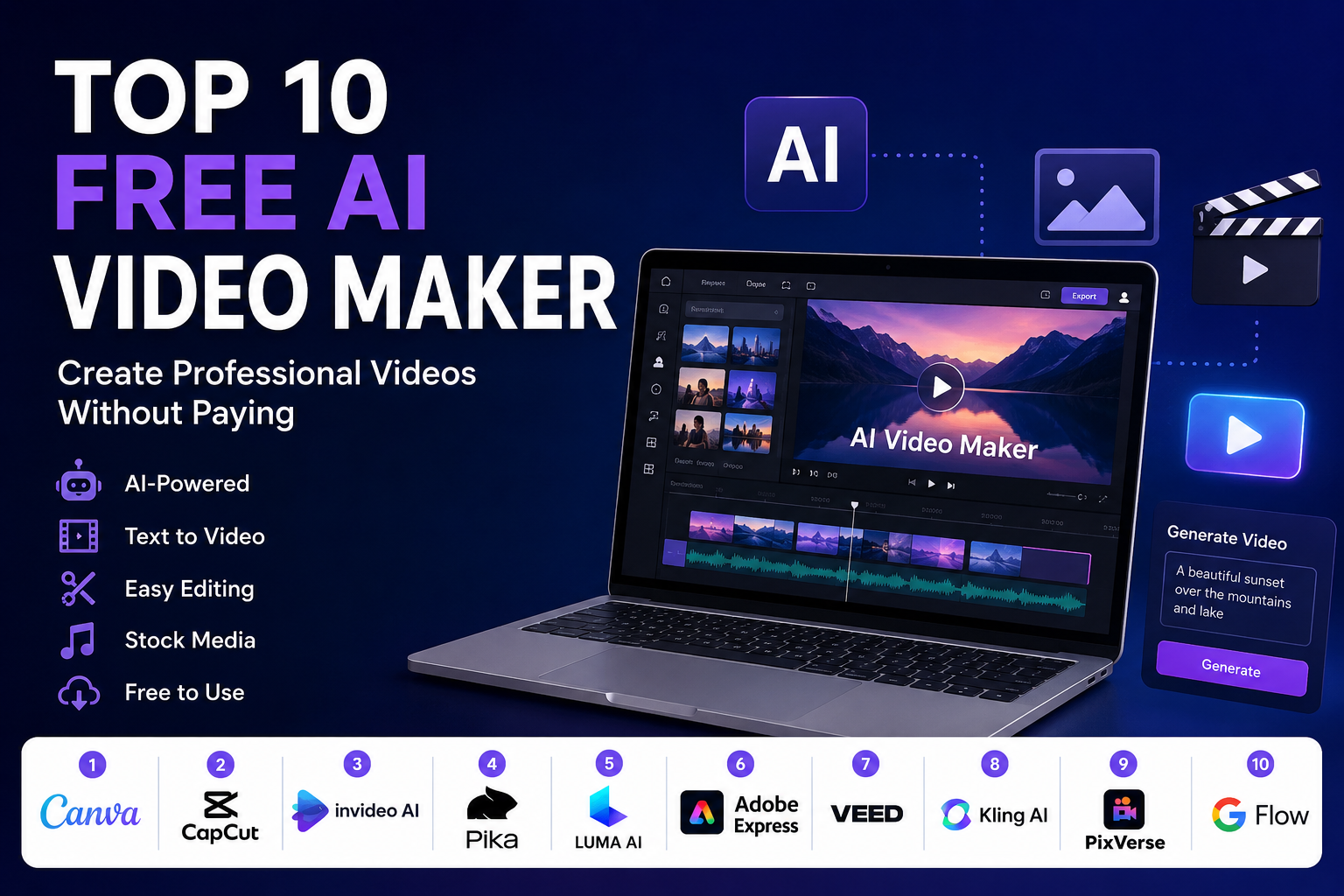
In this guide, we have selected the top 10 free AI video maker tools based on ease of use, video quality, AI capabilities, and free plan availability.
1. Canva AI Video
Canva has evolved far beyond graphic design. Its AI-powered video editor allows users to create social media videos, presentations, advertisements, and promotional content with minimal effort.
Key Features
- AI-powered Magic Media
- Thousands of ready-made templates
- Drag-and-drop editor
- Free stock videos and music
- Easy collaboration
Best For
Business owners, educators, beginners, and social media creators.
Free Version
Yes, with generous free features.
2. CapCut AI
CapCut has become one of the most popular AI video editing platforms. It offers automatic captions, AI avatars, background removal, script generation, and several smart editing features.
Key Features
- AI video generator
- Auto subtitles
- AI voiceover
- Background removal
- Trending video templates
Best For
Instagram Reels, TikTok, YouTube Shorts, and marketing videos.
Free Version
Yes.
3. InVideo AI
InVideo AI can convert a simple text prompt into a complete video, including visuals, transitions, voiceover, and background music.
Key Features
- Text-to-video generation
- AI voice narration
- Automatic scene creation
- Large stock media library
- Multiple export formats
Best For
Marketing videos, YouTube content, product promotions, and explainers.
Free Version
Available with watermark.
4. Pika
Pika focuses on AI-generated animations and cinematic videos from text prompts or images. It is popular among creators looking for unique visual content.
Key Features
- Text-to-video
- Image animation
- High-quality visual effects
- Creative AI motion generation
Best For
Creative projects, storytelling, and promotional videos.
Free Version
Yes.
5. Luma AI Dream Machine
Luma AI creates realistic videos from simple prompts. Its rendering quality makes it one of the most impressive AI video generation tools currently available.
Key Features
- Realistic AI video generation
- High-quality motion
- Fast rendering
- Cinematic output
Best For
Creative professionals and advertisers.
Free Version
Limited free credits.
6. Adobe Express AI Video
Adobe Express combines simplicity with professional editing capabilities. AI assists with video creation while keeping the interface beginner-friendly.
Key Features
- AI-assisted editing
- Premium templates
- Automatic resizing
- Stock assets
- Brand customization
Best For
Businesses and professional marketers.
Free Version
Yes.
7. VEED AI
VEED is an online AI video editor designed for speed. It simplifies editing, subtitles, translations, and content repurposing.
Key Features
- AI subtitles
- AI voice cloning
- Screen recorder
- Online editor
- Video translation
Best For
YouTube creators, trainers, and podcasters.
Free Version
Yes.
8. Kling AI
Kling AI is known for producing realistic videos from text prompts with impressive character movements and cinematic scenes.
Key Features
- Text-to-video
- Image-to-video
- Realistic animations
- High-resolution output
Best For
Creative storytelling and AI filmmaking.
Free Version
Limited free credits.
9. PixVerse AI
PixVerse helps users generate AI videos with cinematic effects, realistic animation, and multiple visual styles.
Key Features
- AI video generation
- Multiple animation styles
- Fast rendering
- Creative visual effects
Best For
Content creators and digital marketers.
Free Version
Yes.
10. Google Flow
Google Flow is one of the newest AI video generation platforms designed to create high-quality videos using advanced AI models and natural language prompts.
Key Features
- Prompt-based video generation
- High-quality visual output
- AI scene creation
- Smart editing assistance
Best For
Businesses, creators, and AI enthusiasts.
Free Version
Limited access depending on availability.
How to Choose the Right AI Video Maker
Before selecting any AI video generator, consider the following factors:
- Ease of use
- Video quality
- AI automation features
- Watermark limitations
- Export resolution
- Free usage limits
- Availability of templates
- Voiceover support
- Commercial usage permissions
Choosing a tool that matches your workflow will save time and improve the quality of your content.
Benefits of Using AI Video Makers
AI video creation tools are changing the way content is produced. Some of the biggest advantages include:
- Faster video production
- Lower editing costs
- No advanced editing skills required
- Easy content repurposing
- Professional-looking videos
- Improved productivity
- Better engagement on social media
- Quick content creation for marketing campaigns
These benefits make AI video makers useful for individuals as well as businesses of every size.
Final Thoughts
AI video creation is no longer limited to professional editors. Modern AI tools make it possible for anyone to produce engaging videos using simple text prompts, images, or existing content. Most platforms now provide free plans, allowing users to explore their features before upgrading.
If you are just getting started, Canva AI, CapCut AI, and InVideo AI offer an excellent balance of simplicity and functionality. For users interested in cinematic AI-generated visuals, Pika, Luma AI Dream Machine, Kling AI, and PixVerse are strong options worth exploring.
As AI technology continues to evolve, these platforms are expected to become even faster, smarter, and more capable, making high-quality video production accessible to everyone.